

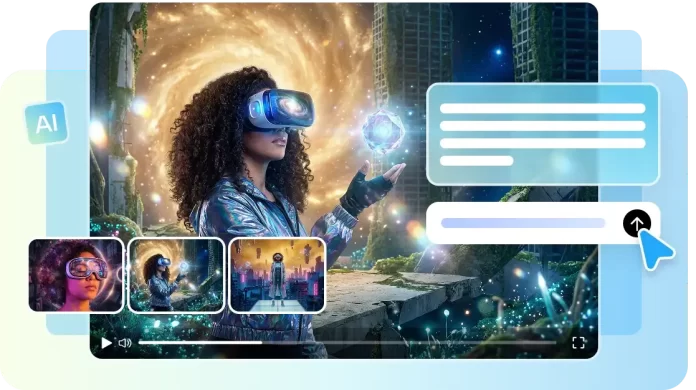
Traditional video editing has long relied on timelines, layers, and complex sequences to assemble content. For many creators, this process involves manually arranging clips, adjusting cuts, and fine-tuning every frame. While effective for experienced editors, this approach often slows down creative workflows and limits experimentation. Today, a growing number of creators are exploring a new paradigm where video production begins with language, not timelines. Using Seedance 2.0, creators can now direct cinematic sequences through descriptive prompts, transforming the way video content is imagined and realized. This shift allows storytelling to flow naturally, empowering creators to translate ideas into visuals without the burden of technical intricacies. The roadmap of this article highlights how language-driven scene creation replaces traditional timelines, streamlines production, and maintains creative control at every step.

The End of Timeline Dependency in Modern Video Creation
Timeline-based editing tools can feel overwhelming, especially when managing multiple tracks, transitions, and effects. Beginners often struggle to navigate layers while marketers face delays in producing content at scale. These tools demand technical knowledge and extensive practice, which can stifle spontaneity and creativity. Conversational editing fundamentally changes this workflow. Instead of manually dragging clips, adjusting cuts, and layering effects, creators describe scenes in words. Pippit serves as a simplified creative hub that eliminates these technical barriers. By interpreting prompts, the platform enables rapid generation and modification of video sequences. This approach allows focus on storytelling rather than software mechanics, creating room for experimentation and iterative creativity.
Understanding Scene Direction Through Language
Text-based prompts are now powerful enough to define cinematic scenes. By entering descriptive commands, creators can specify tone, camera movement, pacing, and scene composition. Seedance 2.0 reads these instructions intelligently, transforming simple language into visually coherent video sequences. The rise of “one-sentence video editing” demonstrates how single prompts can replace a series of technical adjustments. Creative intent, rather than manual steps, dictates the scene. Whether it’s adjusting lighting, emphasizing a character’s emotion, or modifying camera angles, the process becomes intuitive. This approach empowers creators to experiment without fear of breaking technical sequences, fostering a natural, fluid workflow that aligns with storytelling goals.
From Script to Screen Without Software Overload
Traditional editing often requires multiple tools, plugins, and heavy software installations. For rapid content production, these steps can be prohibitive. Platforms like Pippit eliminate this overload by translating prompts directly into multi-shot video sequences. Text-based instructions allow for consistency across scenes, ensuring characters, backgrounds, and visual style remain coherent. Creators can produce high-quality, complex videos without juggling layers, effects, or technical settings. Integrating Seedream 5.0 ensures a seamless workflow where scene continuity and narrative integrity are maintained. This capability is particularly valuable for marketers and educators producing frequent content, as it significantly reduces production time while maintaining professional quality.
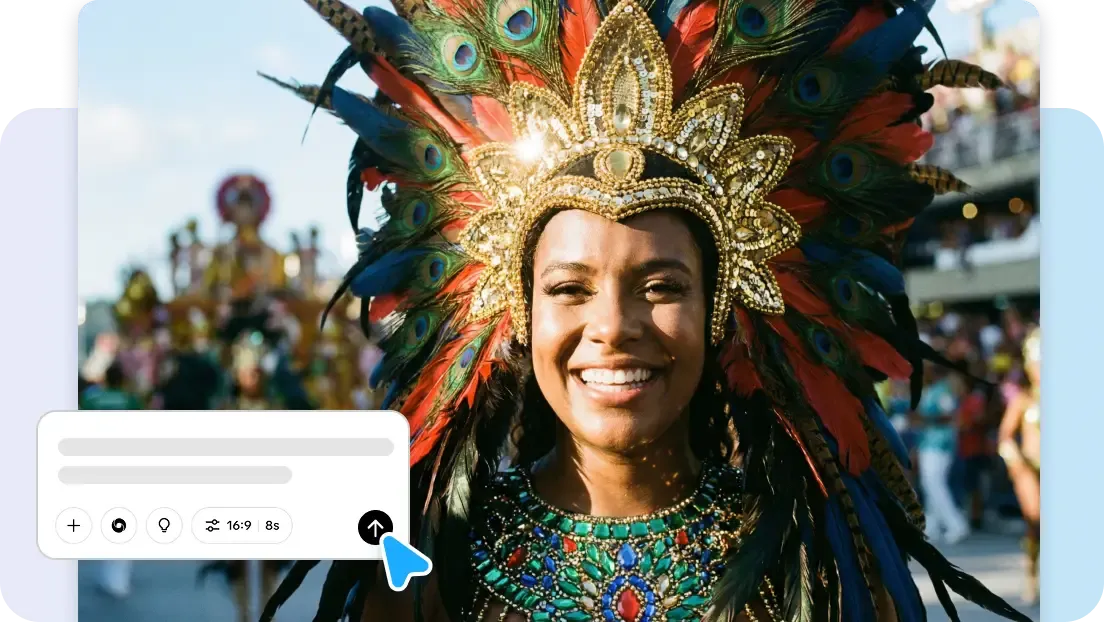
Steps to Direct Scenes With Words Instead Of Timelines Using Pippit’s Advanced Model
Step 1: Open the “Video generator”
- Sign up for Pippit to reach the home page.
- Click “Video” on the main dashboard or access “Video generator” in the left menu.
- Enter a text prompt and clearly describe the video style, tone, and angles you want.
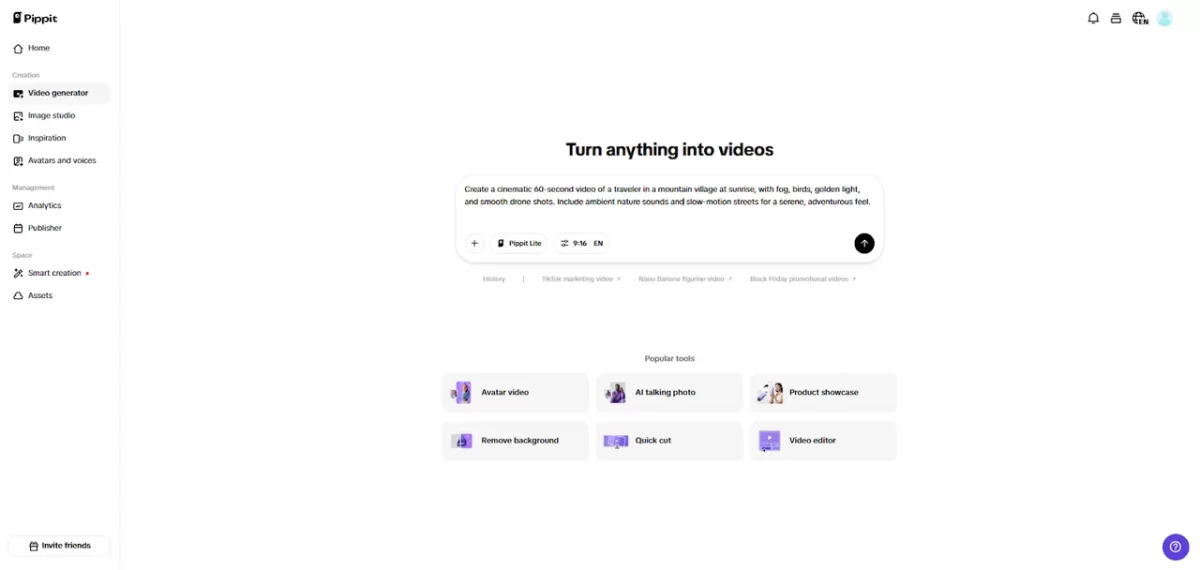
Step 2: Turn Words Into Scenes
- Click “+” and upload your image, video, file, or link that you want to use for the video.
- You can also click “Upload a reference video” and choose “Upload” to bring in a sample video, so the AI follows its style.
- Select “Pippit Lite” mode from the list.
- Choose the video length, language, and aspect ratio.
- Click “Generate”, and Pippit starts creating a video directly from your words.
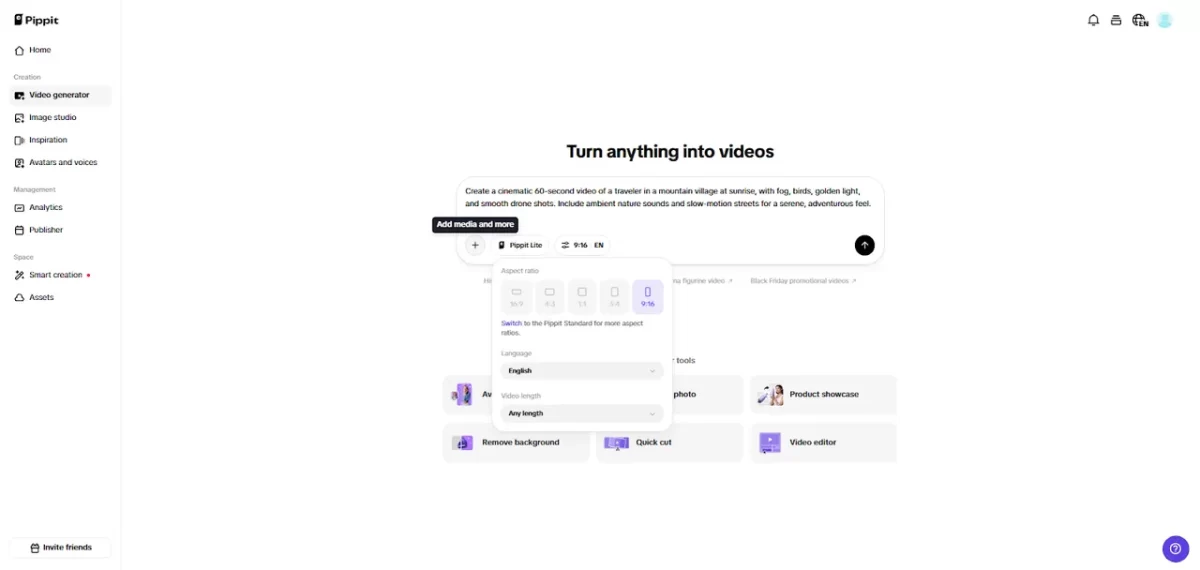
Step 3: Preview & Finalize Scenes
MORE FOR YOU
- Select your video and press the Play button to watch it.
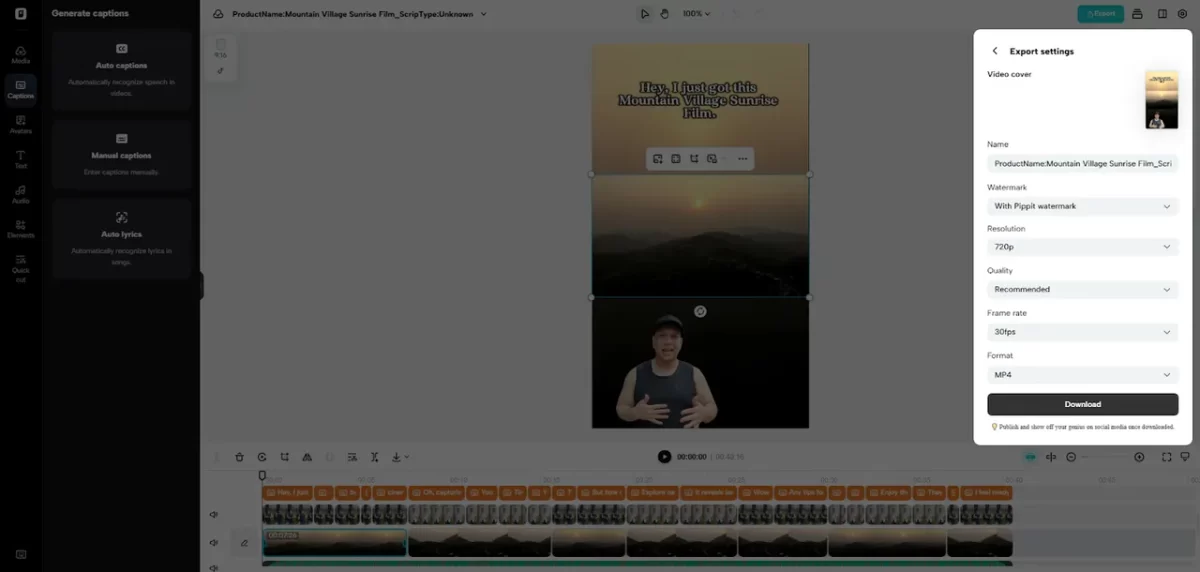
- To make changes, click “Edit more” and use the tools to crop, stabilize, adjust colors, or change the background.
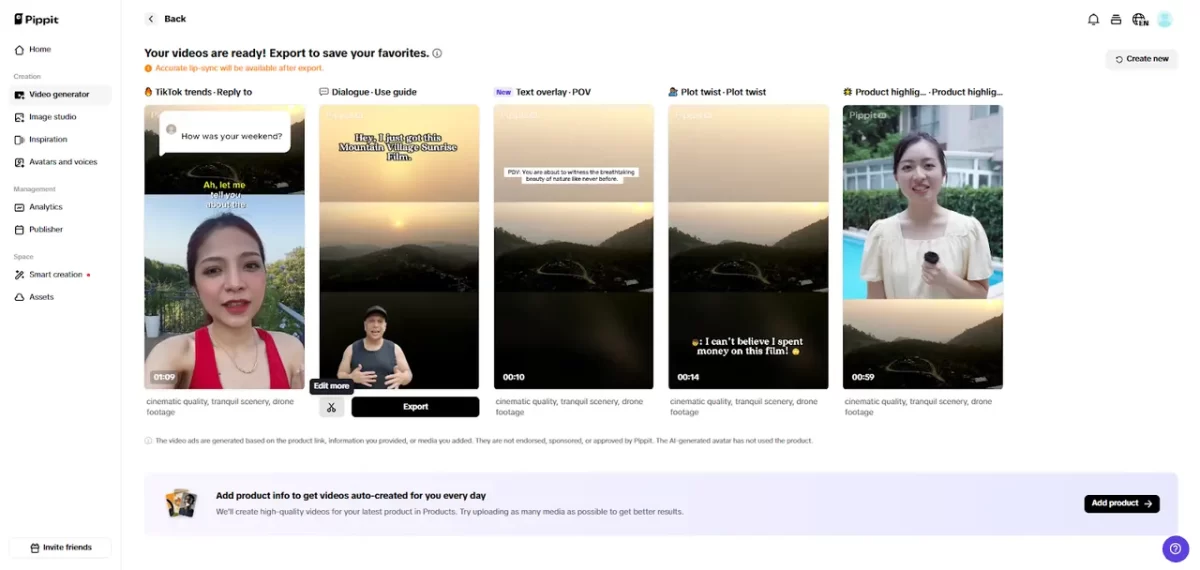
Click “Download” to save your AI-generated video or “Publish” to share it on your social media.
Conversational Editing: Changing Scenes Without Cutting Clips
Pippit enables scene modifications through dialogue rather than timeline manipulation. Objects, wardrobe, and lighting can be altered instantly using descriptive instructions. Pacing, camera angles, and motion are similarly adjustable without cutting or rearranging clips manually. This conversational approach transforms video editing into a dynamic process where creators maintain full narrative control. Scenes can evolve organically as prompts are refined, supporting iterative experimentation. It eliminates repetitive technical tasks while preserving creative vision, making video production more intuitive and less time-consuming. The flexibility also allows for quick adjustments to meet audience expectations or platform requirements.
Multimodal References for Scene Consistency
Maintaining consistency across multiple shots is critical for storytelling. Pippit allows up to 12 references to be used simultaneously, ensuring characters, environments, and visual styles remain uniform. Seedance interprets these references to replicate trends or maintain artistic continuity. This feature is particularly useful for multi-shot campaigns, series, or tutorials where coherence is essential. Visual continuity enhances narrative impact, strengthens brand identity, and reduces post-production corrections. By combining prompts with multimodal references, creators achieve both creative freedom and technical precision, resulting in visually consistent content across every scene.
Flexible Formats for Every Screen and Platform
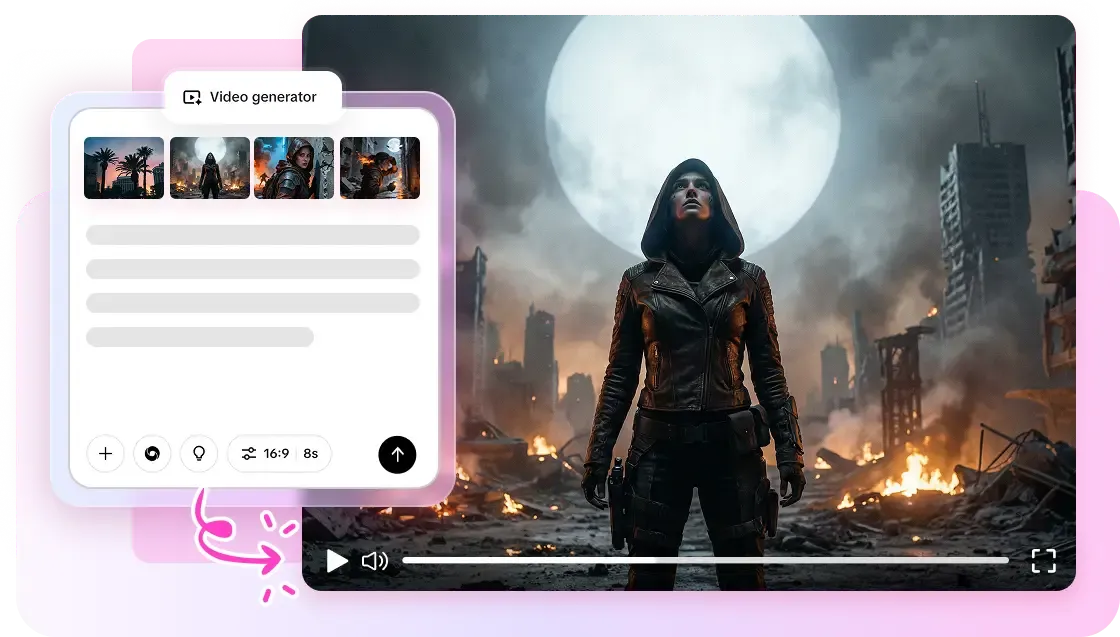
- Digital content now spans multiple platforms, each requiring different aspect ratios such as 1:1, 9:16, 16:9, and ultra-wide.
- Pippit automatically adapts layouts to match each format without manual resizing or cropping.
- The platform supports high-resolution output up to 4K for professional-grade visual quality.
- Built-in format flexibility reduces production time and technical workload.
- Creators can focus more on storytelling instead of layout adjustments.
- Pippit handles both short-form social clips and long-form educational videos with ease.
- Multiple formats can be generated at the same time for faster distribution.
Conclusion
Timeline-free editing marks a significant evolution in video creation. By leveraging Pippit’s language-driven model, creators can focus on creative direction rather than technical execution. Prompt-based scene generation, multimodal references, and flexible formatting provide an efficient, intuitive workflow. Editing through conversation and descriptive prompts replaces cumbersome timelines, giving creators the power to iterate rapidly. The future of video production emphasizes storytelling, experimentation, and speed, with Pippit enabling a paradigm shift where creativity is prioritized above software mechanics. This new approach redefines video creation, making it accessible, agile, and deeply expressive.